
Libraries have always been about connecting people with stories. Today, many of those people spend hours each week watching videos on their phones. That makes video one of the best ways for a library to reach new patrons, highlight great books, and fill seats at events.
The good news is that libraries do not need a production team or a big budget to make great videos. With a phone, a few simple ideas, and an easy video tool, any library can start sharing its collection and community online. This guide shows you how.
Table of Contents
Why Video Works So Well for Libraries
Video lets people see what makes your library special. A photo of a shelf is easy to scroll past, but a 30 second clip of a librarian sharing a favorite mystery feels personal and friendly. Videos also show people that the library is more than books. Story times, maker spaces, author talks, and study rooms all come to life on screen.
Short videos are also easy to share. A parent might send a story time clip to a friend, or a teen might share a book recommendation with classmates. Every share brings new people to your door.
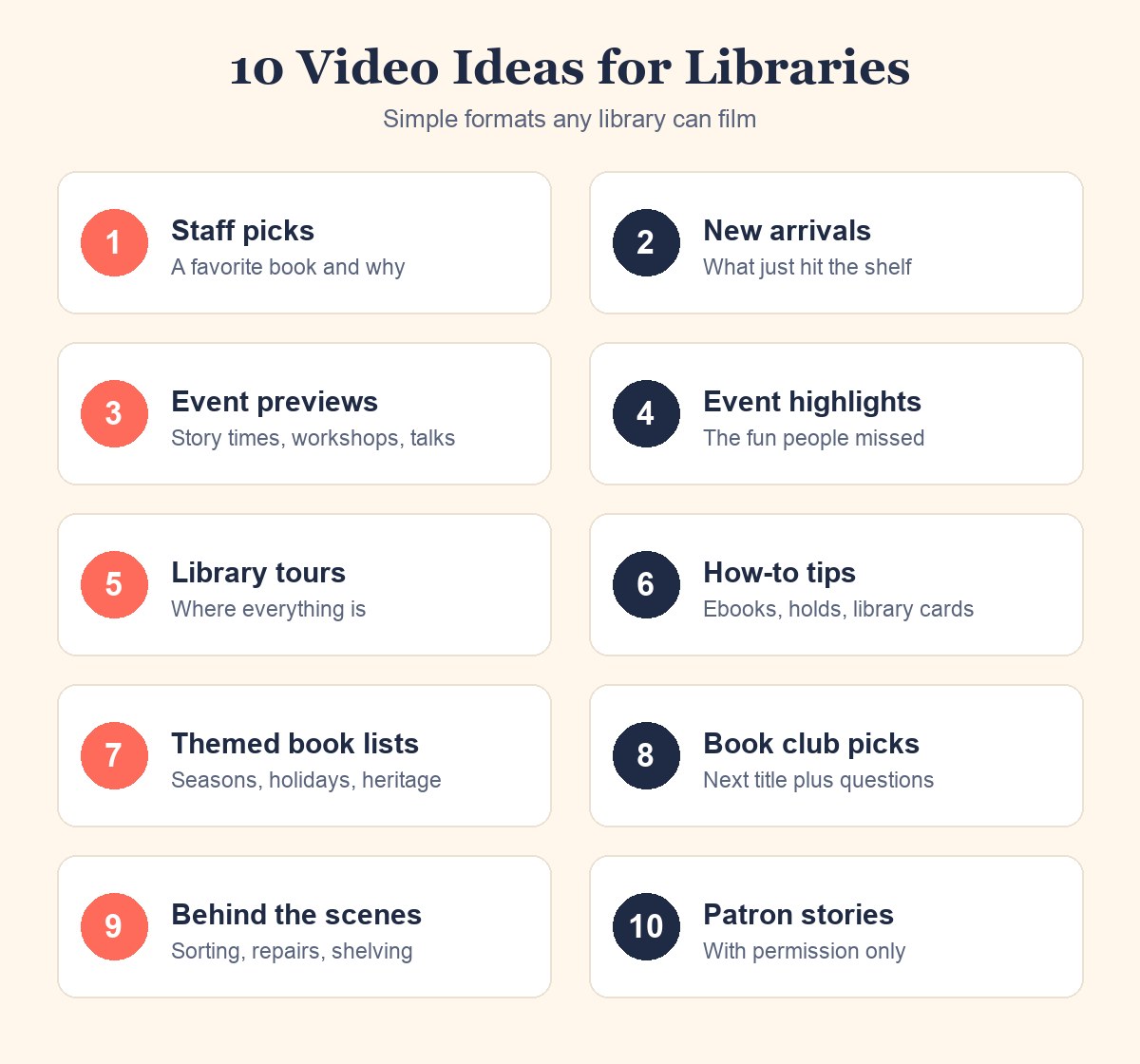
10 Video Ideas for Libraries
Here are video ideas that work for public, school, and academic libraries:
- Staff picks. A librarian holds up a favorite book and explains why patrons will love it.
- New arrivals. A quick look at the newest books on the shelf each week or month.
- Event previews. Short invitations to upcoming story times, workshops, and author visits.
- Event highlights. Clips from past events that show the fun people missed.
- Library tours. Show new patrons where to find things and what services you offer.
- How to tips. Explain how to borrow ebooks, reserve a book, or get a library card.
- Themed book lists. Books for summer reading, spooky season, or a heritage month.
- Book club picks. Announce the next title and share a few discussion questions.
- Behind the scenes. Show how books are sorted, repaired, or prepared for the shelf.
- Patron stories. With permission, share how the library helped someone learn, study, or find a job.
How to Make Library Videos Without a Big Budget
You do not need professional gear. A modern phone, natural light from a window, and a quiet corner are enough for most videos. A simple clip-on microphone can make a big difference to sound quality, and it costs far less than a camera.
Editing is where many libraries get stuck, especially when staff time is limited. This is where AI can help. VidHero is an AI video generator that can turn a single photo into a video based on whatever you describe in a prompt. You do not need to film anything at all.
Here are a few ways a library could use it:
- A photo of a new book display becomes a slow, cinematic pan across the shelves.
- A picture of your reading corner becomes a cozy scene with soft lamplight and falling snow for a winter reading challenge.
- A snapshot from last year’s summer reading kickoff becomes a lively clip to promote this year’s event.
- A photo of your building becomes a welcoming opening shot for a library tour video.
Because you start from photos you already have, you can create fresh videos even on days when no one has time to film. Describe the movement and mood you want, review the result, and add captions before posting. As with any AI tool, check that the final video looks natural and fairly represents your library, and never use photos of patrons without their permission.
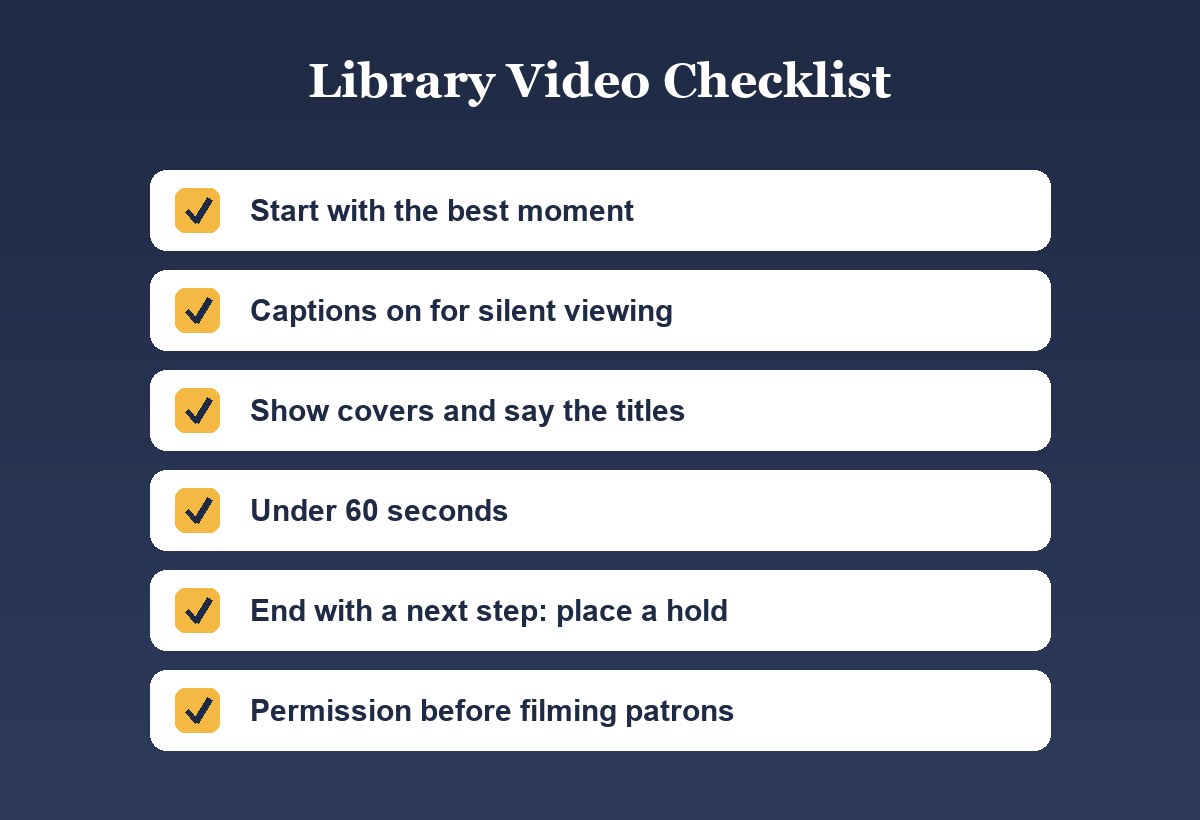
Keep these basics in mind for every video:
- Start with the most interesting moment, not a long introduction.
- Add captions so people can watch without sound.
- Show book covers clearly and say the titles out loud.
- Keep most videos under 60 seconds.
- End with a clear next step, such as “Place a hold today.”
Where to Share Your Library Videos
Different platforms reach different groups of patrons:
- YouTube and YouTube Shorts for longer tours, tutorials, and quick book picks.
- Instagram and Facebook for event promotion and community updates.
- TikTok for reaching teens and young adults.
- Your library website on event and catalog pages.
- Email newsletters to remind regular patrons what is coming up.
Short vertical videos work across almost every platform. If you want more ideas for this format, our guide on promoting books with YouTube Shorts covers hooks and posting tips that apply to libraries too.
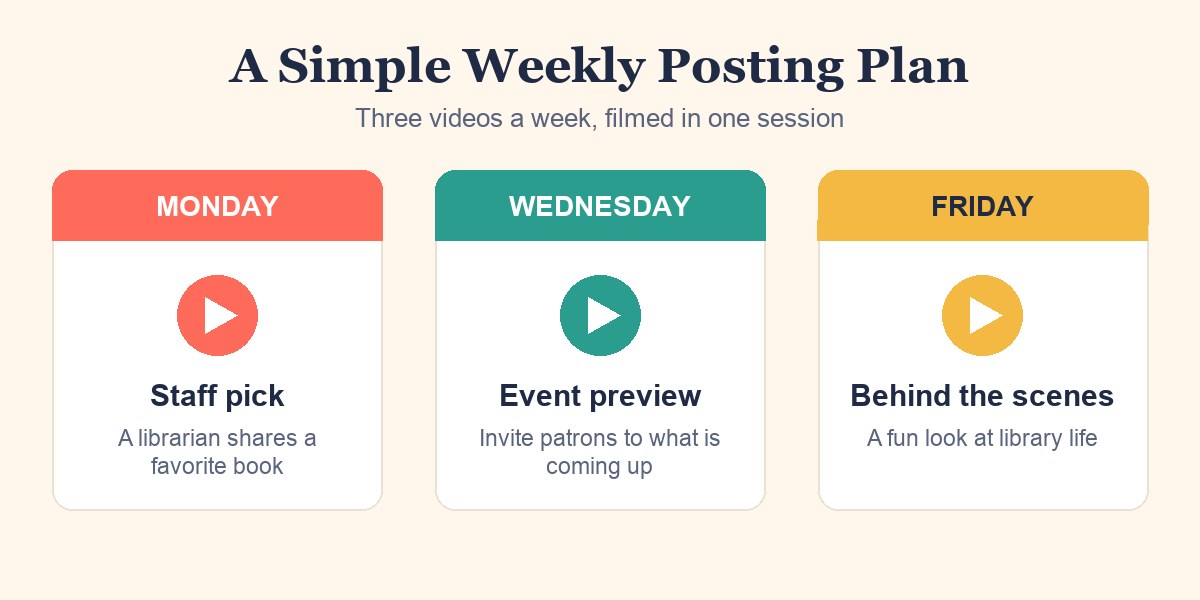
Create a Simple Posting Plan
Consistency matters more than perfection. A simple weekly rhythm keeps your library visible without overwhelming your staff. For example, you could post a staff pick on Monday, an event preview on Wednesday, and a fun behind the scenes clip on Friday. Batch film several videos in one session to save time.
Respect Privacy and Permissions
Libraries are trusted places, so protect that trust. Always ask for permission before filming patrons, and get written consent from parents or guardians before showing children. Avoid filming computer screens or anything that could reveal what someone is borrowing. When in doubt, film the books and the space, not the people.
Measure What Works
Check your video views and comments each month. Notice which videos get the most attention and which events see higher attendance after you promote them. If staff picks perform well, make more of them. Let your patrons show you what they enjoy.
Final Thoughts
Video gives libraries a friendly, modern way to share what they do best: connecting people with books and with each other. Start small with staff picks and event previews, post regularly, and use an AI video generator like VidHero to turn the photos you already have into eye-catching videos. Before long, your videos can bring new faces through your doors and new readers to your shelves.