
A good book trailer does what a back cover blurb does, but in motion. In under a minute, it can show readers the mood of your story, introduce your main character, and leave them wanting more. Movie studios have used trailers for decades. Today, authors can make one too, without a film crew or a big budget.
This step by step guide shows you how to plan, create, and share a book trailer for your novel, even if you have never edited a video before.
Table of Contents
What Is a Book Trailer?
A book trailer is a short video, usually 30 to 90 seconds long, that promotes a book. It might use text on screen, music, images, short clips, or a voiceover. The goal is not to retell the whole plot. The goal is to make viewers feel something and then go find your book.
Trailers work well on YouTube, social media, your author website, and even in emails to your newsletter. One video can be shared in many places for months.
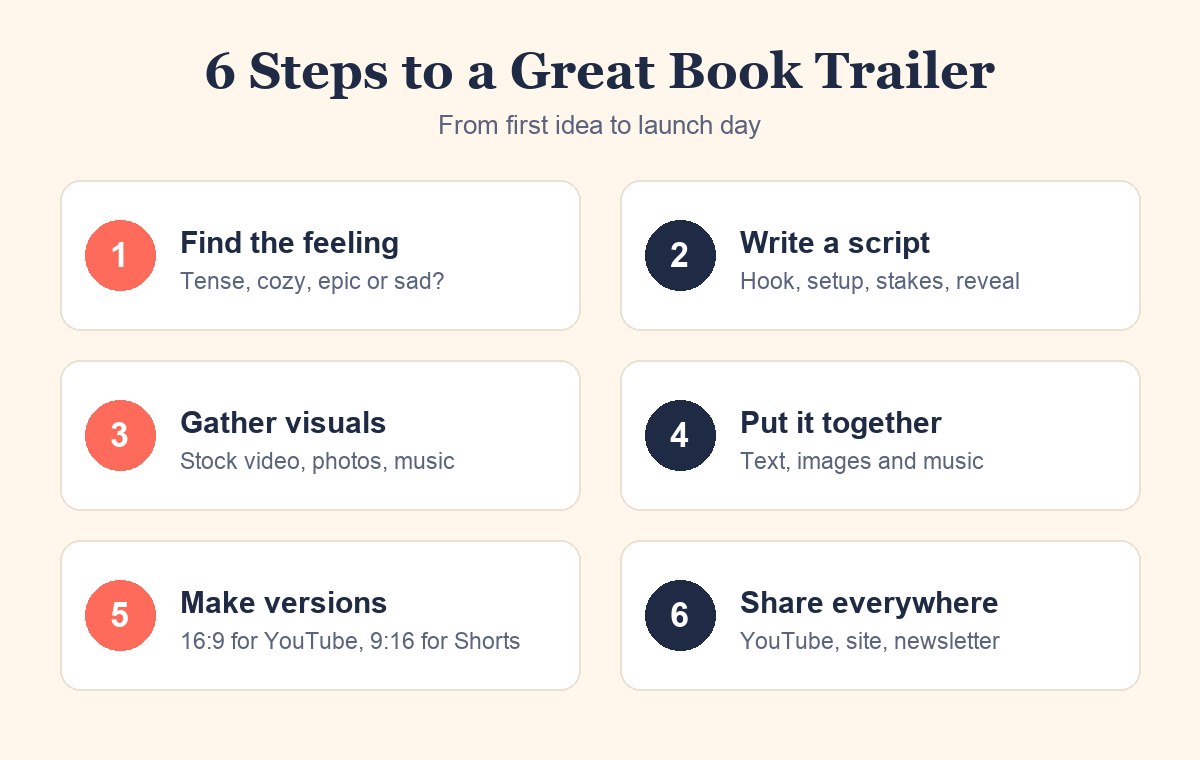
Step 1: Find the Core Feeling of Your Book
Before you write a single line, ask yourself one question: how should readers feel? Scared, curious, heartbroken, swept away? A thriller trailer should feel tense. A cozy mystery trailer should feel warm and playful. A fantasy trailer should feel big and wondrous.
Write that feeling down in one or two words. Every choice you make next, from music to fonts, should match it.
Step 2: Write a Short Script
Most good trailers follow a simple four part structure:
- The hook. One striking line or question in the first five seconds.
- The setup. Who is the main character, and what do they want?
- The stakes. What could go wrong? What stands in their way?
- The reveal. Your book cover, title, release date, and where to buy it.
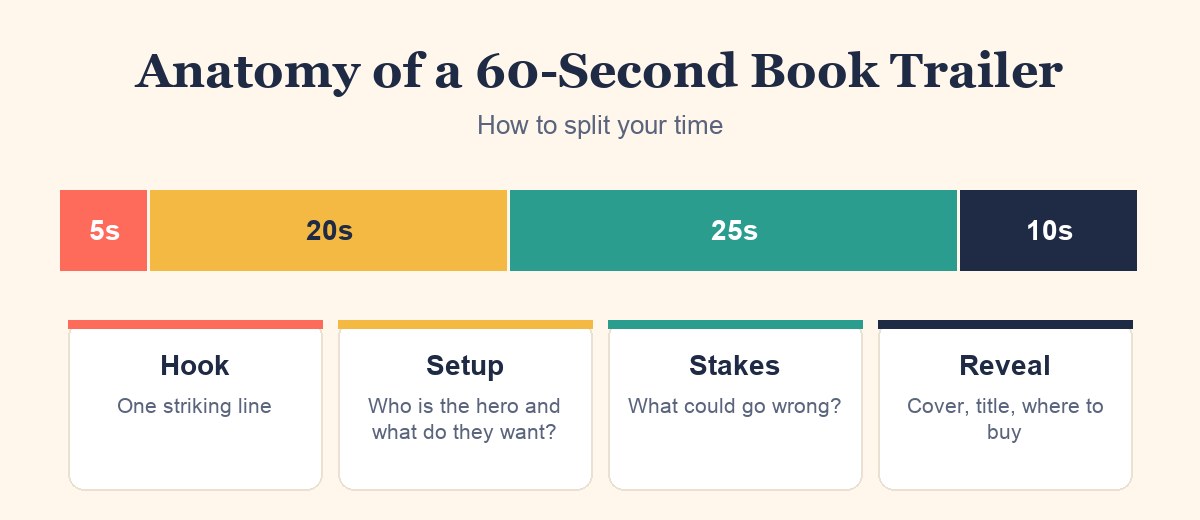
Keep the script short. Six to ten short lines of text is often enough for a 60 second trailer. If you would not put a sentence on your back cover, leave it out of the trailer.
Step 3: Gather Your Visuals and Music
You do not need to film anything. Many great book trailers use stock video, photos, and simple text animations. Look for images that match your setting and mood: a foggy forest, a busy city street, a candlelit room.
Music matters more than most authors expect. The right track sets the tone in seconds. Always use royalty free music or tracks you have permission to use, so your video does not get muted or removed.
Step 4: Put the Trailer Together
This is the step that stops many authors, but it does not have to be hard. A video tool like VidsHero can help you put your script, visuals, and music together into a polished trailer without learning complicated editing software. That leaves you more time for the part that matters most: your story.
While you build it, keep these tips in mind:
- Show each line of text long enough to read it twice.
- Use one or two fonts that match your book cover.
- Let the music build toward the cover reveal.
- End on your cover for at least three seconds.
Step 5: Make Versions for Each Platform
One trailer can become several videos. Make a widescreen version (16:9) for YouTube and your website, and a vertical version (9:16) for Shorts, Reels, and TikTok. You can also cut a 15 second teaser from the full trailer to share before launch day. If you want to go further with vertical video, our guide on how authors can promote their books with YouTube Shorts has plenty of ideas.
Step 6: Share It Everywhere
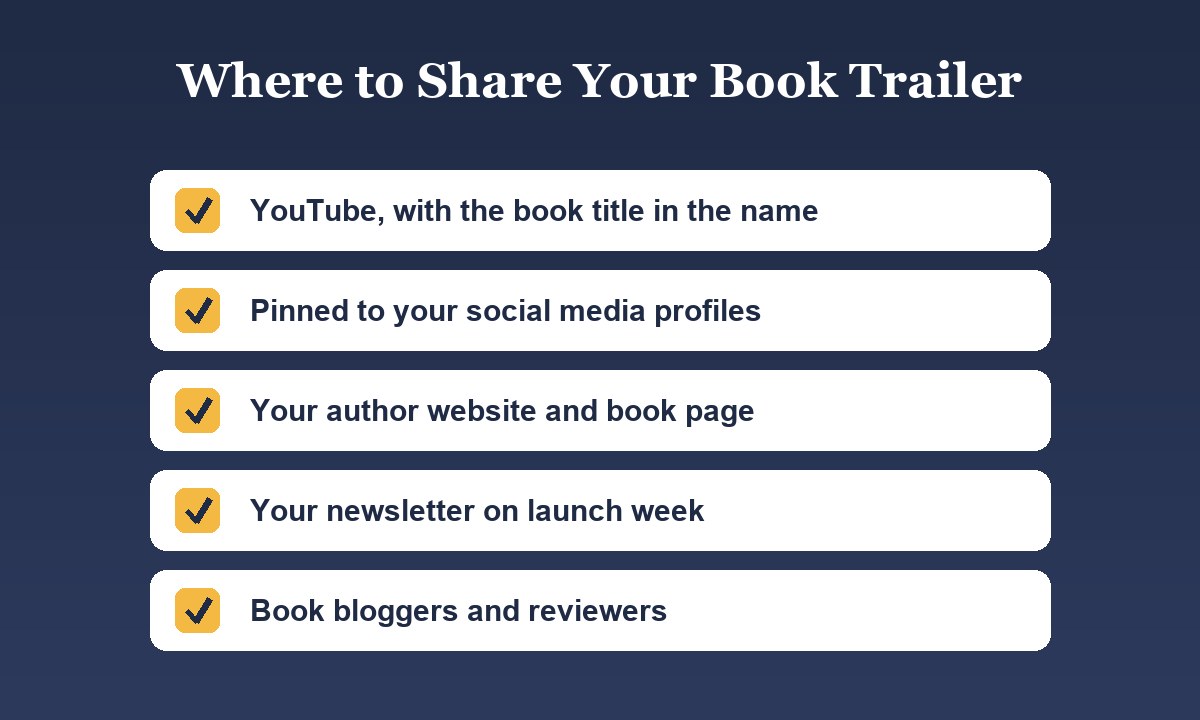
Once your trailer is ready, put it to work:
- Upload it to YouTube with your book title in the video title.
- Pin it to the top of your social media profiles.
- Add it to your author website and book landing page.
- Send it to your newsletter subscribers on launch week.
- Share it with book bloggers and reviewers along with your review copy.
Common Book Trailer Mistakes
- Too long. Viewers drift away after a minute. Shorter is almost always better.
- Too much plot. Tease the story instead of summarizing it.
- Mismatched mood. Cheerful music on a dark thriller confuses readers.
- No clear ending. Always finish with the cover and where to buy the book.
Final Thoughts
A book trailer is one of the most shareable things an author can create. Find the feeling of your book, write a short script, choose visuals and music that match, and put it together with a simple tool like VidsHero. One minute of video can introduce your story to readers who might never have found it otherwise.