
The right tablet for reading and note taking depends on one early choice: do you want a calm paper-like screen, or a full color tablet that also plays video and runs apps? We went through the Amazon listings and kept 6 well-rated options. Three are e-paper notebooks built for writing and reading, and three are Android tablets that come with a pen.
Table of Contents
Tablets for Reading and Note Taking at a Glance
| # | Image | Product | Best for |
|---|---|---|---|
| 1 | 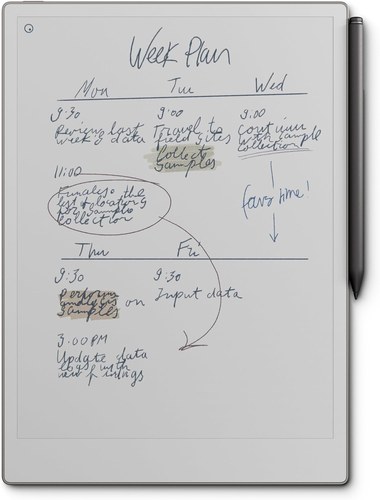 | reMarkable Paper Pro with Marker Plus | Overall pick, paper feel |
| 2 | 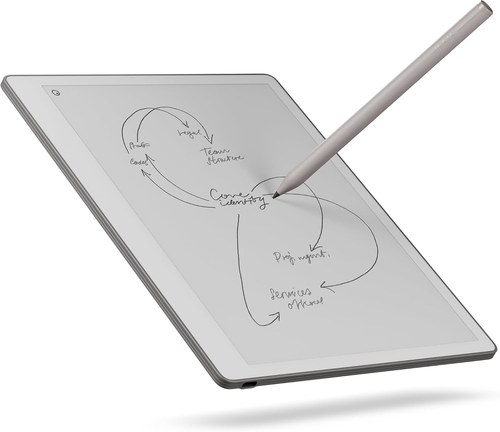 | reMarkable Paper Pure with Marker | A lower-cost reMarkable |
| 3 | 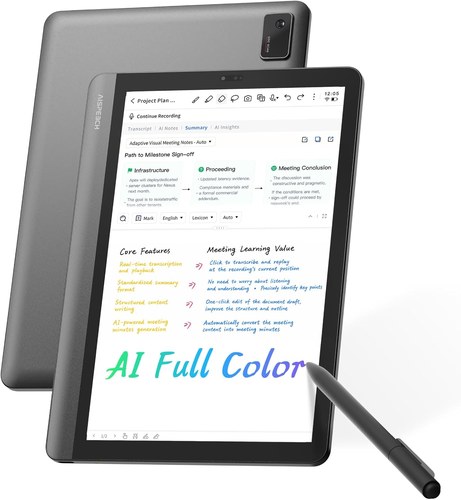 | AINOTE Air 8.4-inch Color Paper Tablet | A color e-paper notebook |
| 4 | 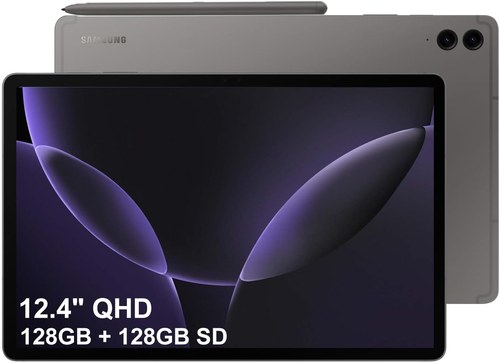 | Samsung Galaxy Tab S9 FE+ (12.4 in) | An Android tablet with S Pen |
| 5 | 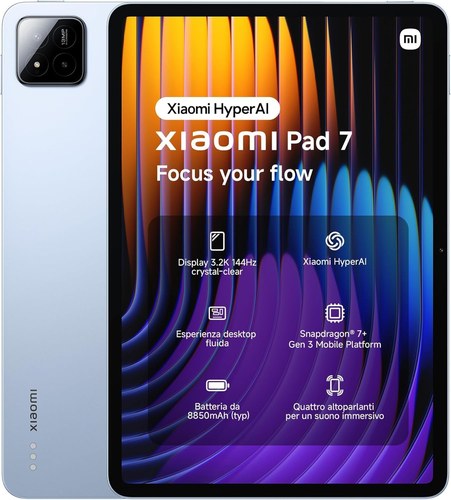 | Xiaomi Pad 7 (11.2 in) | A sharp, fast screen |
| 6 | 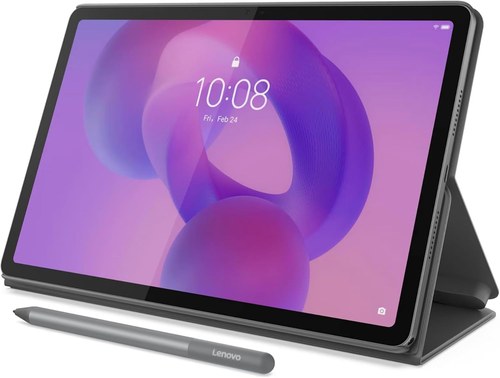 | Lenovo Idea Tab with Pen and Folio | A budget tablet with pen |
How We Picked
We read the Amazon listings and the buyer ratings, and we dropped tablets with very low ratings or no pen support. We have not used these devices ourselves, so everything below comes from the listings and from buyers (checked November 2026). Some of these products have only a few dozen ratings, so treat those scores as early signs, not a final verdict.
The 6 Best Tablets for Reading and Note Taking
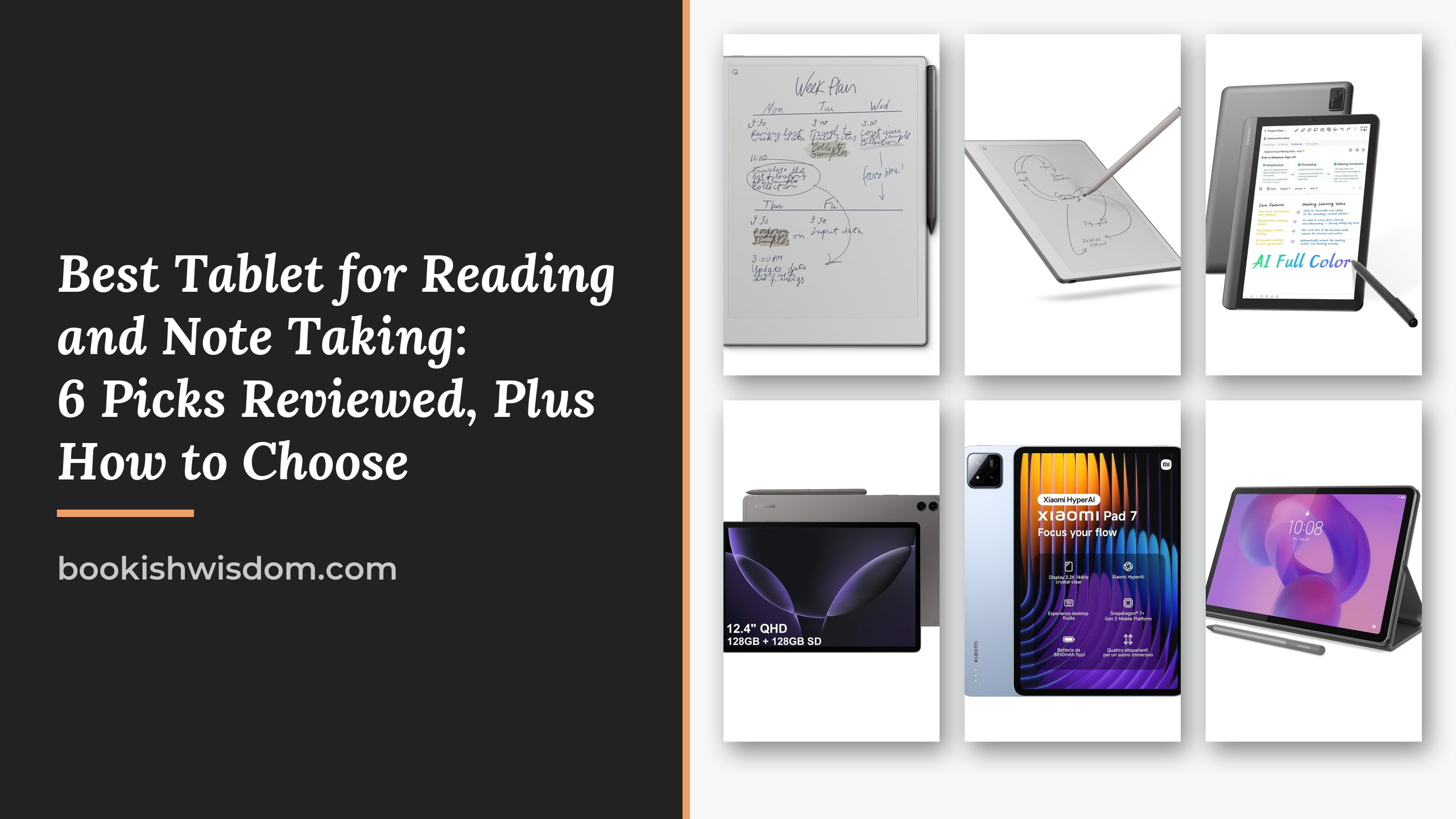
1. reMarkable Paper Pro with Marker Plus
This is our top pick if writing matters most. It has an 11.8 inch color e-paper display with an adjustable reading light, and the listing says it is low-glare, so it reads well outdoors. The Marker Plus pen has a built-in eraser, and the box holds 6 spare tips. You can write on PDFs and convert handwriting to typed text. Battery life is listed at up to 15 days with an hour of use per day. Rated 4.6 by about 1,200 buyers.
2. reMarkable Paper Pure with Marker
A simpler, black-and-white take on the same idea, with a 10.3 inch screen. The listing says ink appears in 21 ms, so writing should feel quick. It handles note templates, PDF markup and handwriting to text, and can take web articles from Google Drive or Dropbox. It suits people who read and write in black and white and do not need color. Rated 4.5 from 86 ratings.
3. AINOTE Air 8.4-inch Color Paper Tablet
The smallest and lightest pick, at 320 g with an 8.4 inch soft-color paper-like screen. It is aimed at meetings and study: it records audio, then offers transcription and summaries, and it supports real-time translation in 48 languages. The listing quotes up to 25 days of battery, with a stylus and leather folio in the box. Rated 4.5, but from only 33 ratings.
4. Samsung Galaxy Tab S9 FE+ (12.4 in)
The most capable all-round tablet here. It has a 12.4 inch screen at 2560 by 1600 and 90Hz, 8GB of RAM and an S Pen in the box. The listing mentions an IP68 water and dust rating, WiFi 6 and a charge cable (no charger). Storage is listed as 128GB built in plus a 128GB SD card. Being a normal Android tablet, it also does video and apps. Rated 4.4 from 190 ratings.
5. Xiaomi Pad 7 (11.2 in)
The screen is the selling point: 11.2 inches at 3200 by 2136, with a refresh rate up to 144Hz and 800 nits peak brightness. It weighs about 500 g. Two cautions from the listing. It is a WiFi-only global version with no SIM or SD slot and a 30 day warranty. The contents list a cable and manual, not a pen or a charger, so a pen is a separate buy. Rated 4.7 from 63 ratings.
6. Lenovo Idea Tab with Pen and Folio
The budget way into a pen tablet. The listing includes the Lenovo Tab Pen and a folio case, which saves buying extras. The 11 inch screen is 2560 by 1600 at 90Hz, with 8GB of RAM and 128GB of storage, running Android 15. It is the newest and least reviewed pick, at 4.6 from 70 ratings, so read recent reviews before you buy.
How to Choose a Tablet for Reading and Note Taking
- Paper-like or regular. Picks 1 to 3 use paper-like screens meant for writing and reading with less glare. Picks 4 to 6 are regular tablets with brighter, glossier screens that also handle video and apps.
- Pen in the box. Picks 1 to 4 and 6 list a pen. Pick 5 does not, so add that cost.
- Screen size. The AINOTE is 8.4 inches and light for carrying. The Galaxy Tab is 12.4 inches, which suits large PDFs and split screen.
- Rating depth. Picks 1 and 4 have the most ratings. Picks 3, 5 and 6 are new or lightly reviewed.
FAQ
Q: What is the best tablet for reading and note taking?
A: For a paper feel, the reMarkable Paper Pro. For one device that also does apps and video, the Samsung Galaxy Tab S9 FE+.
Q: Is a paper tablet or an iPad-style tablet better for note taking?
A: Paper tablets suit writing and reading, but do far less. A regular tablet with a pen, like picks 4 to 6, is better if you also want video and apps.
Q: What is a good cheap tablet for note taking with a pen?
A: The Lenovo Idea Tab includes the pen and a folio case in the listing, which makes it the most complete budget option here.
As an Amazon Associate, Bookishwisdom earns from qualifying purchases. Ratings and details come from the Amazon listings at the time of writing.