
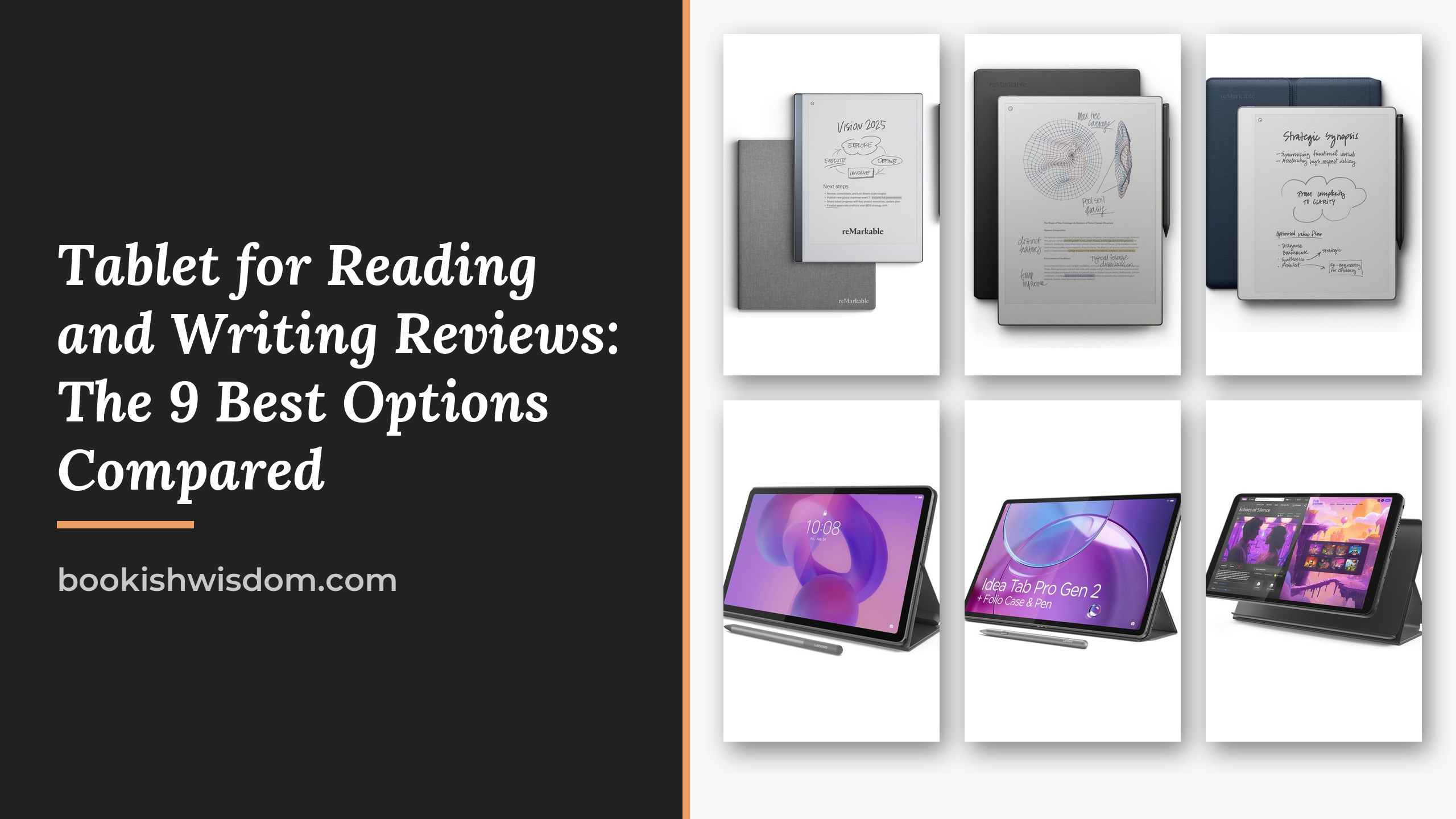
A tablet for reading and writing has to do two jobs that pull in opposite directions: show text that is easy on the eyes and take handwriting that feels natural. We read the Amazon listings and kept 9 in three groups: reMarkable paper tablets, Lenovo Android tablets and other e-ink notebooks. One pick, the Lenovo Tab One, is for reading and media, not handwriting.
Table of Contents
Tablets for Reading and Writing at a Glance
| # | Image | Product | Best for |
|---|---|---|---|
| 1 | 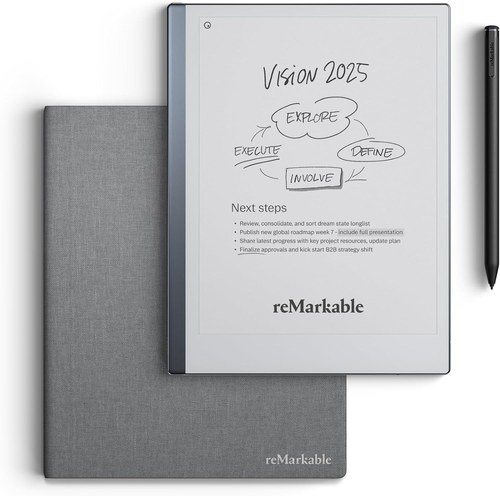 | reMarkable 2 with Marker Plus | Paper-like writing |
| 2 | 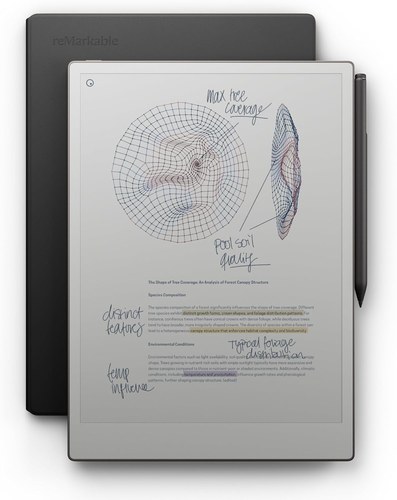 | reMarkable Paper Pro with Marker Plus | Color e-paper notes |
| 3 | 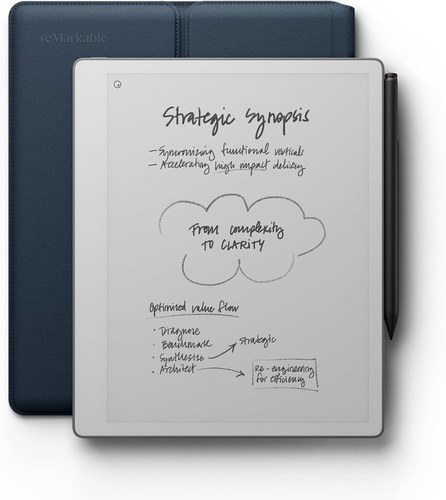 | reMarkable Paper Pure with Marker Plus | A newer reMarkable option |
| 4 | 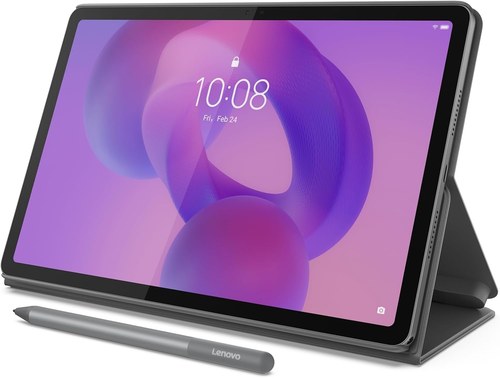 | Lenovo Idea Tab | Students |
| 5 | 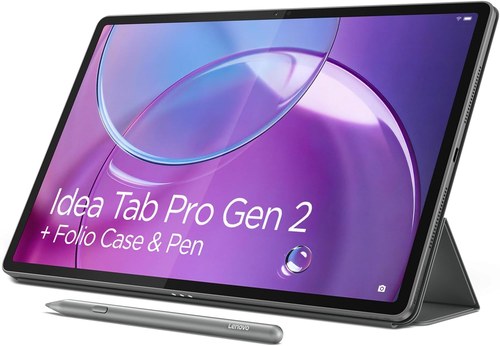 | Lenovo Idea Tab Pro Gen 2 with Pen | A big screen with a pen |
| 6 | 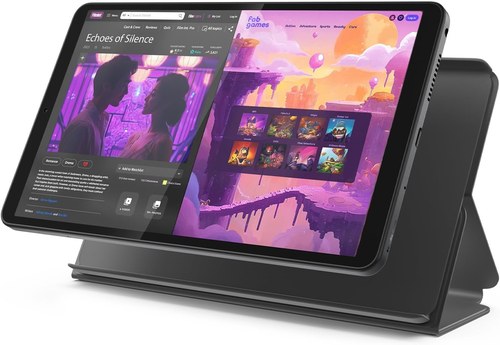 | Lenovo Tab One | Light reading |
| 7 | 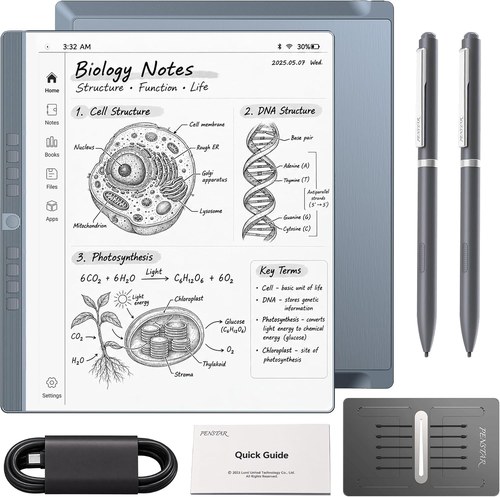 | Penstar eNote 2 E-Ink Notebook | Large e-ink notes |
| 8 | 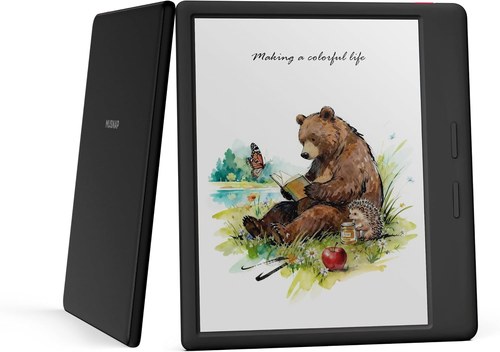 | Ocean C Color E-Ink Reader | Handwriting on color e-ink |
| 9 | 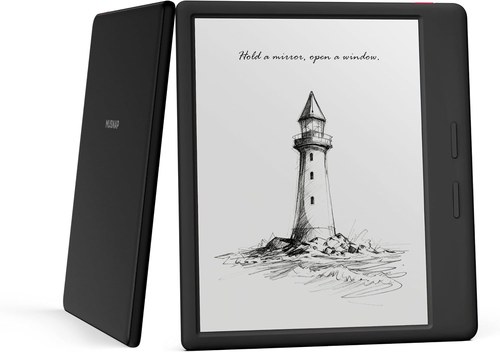 | Ocean 7-Inch E-Ink Reader | A small e-ink notebook |
How We Picked
We read dozens of Amazon listings and dropped ones with weak ratings, unclear specs or no pen support. We have not used these tablets ourselves. Details come from each listing and ratings from buyers (checked November 2026). Check what is in the box, since a pen or cover is sometimes sold separately.
The 9 Best Tablets for Reading and Writing
1. reMarkable 2 with Marker Plus
A 10.3 inch black and white paper tablet that is 4.7 mm thick, with a Marker Plus pen that has a built-in eraser and 9 spare tips. The listing says it has no app store, ads or notifications and up to 2 weeks of battery life. You can write on PDFs and convert handwriting to typed text. Rated 4.3 by about 760 buyers.
2. reMarkable Paper Pro with Marker Plus
An 11.8 inch Canvas Color display with an adjustable reading light, so you can write and read in color. It comes with the Marker Plus, 6 spare tips and a Book Folio. The listing says up to 15 days of battery at an hour of use a day. Rated 4.3 by about 660 buyers.
3. reMarkable Paper Pure with Marker Plus
A 10.3 inch third generation black and white display that the listing says has more contrast than earlier models, and digital ink that appears in 21 ms. It includes the Marker Plus and a sleeve folio. It lists note templates and handwriting to text. Rated 4.3 by about 240 buyers.
4. Lenovo Idea Tab
An Android tablet with an 11 inch 2.5K IPS display at 90Hz, 4 GB of memory and 128 GB of storage. It works with the Lenovo Tab Pen or your finger, and comes with note apps such as Lenovo AI Note, Squid and Nebo. The listing gives up to 12 hours of video. Check whether the pen is included. Rated 4.6 by about 830 buyers.
5. Lenovo Idea Tab Pro Gen 2 with Pen
A 13 inch 3.5K display at 144Hz with 800 nits brightness. The listing includes a pen and folio case, and lists low blue light and flicker certifications. Smart Capture and AI notes help with marking up PDFs. It is a backlit screen, not e-ink. Rated 4.3, but by only about 51 buyers.
6. Lenovo Tab One
An 8.7 inch HD tablet that weighs under a pound and includes a folio case with a stand. The listing says up to 12.5 hours of video. It lists no pen, so treat it as a reading and media device, not a notebook. Rated 4.6 by about 970 buyers.
7. Penstar eNote 2 E-Ink Notebook
A 10.3 inch e-ink notebook with 2480 by 1860 resolution at 300 ppi, 128 GB of storage and a pen with 8,192 pressure levels that needs no charging. You can split the screen between a book and notes. Rated 4.2 by about 140 buyers, the lowest score here.
8. Ocean C Color E-Ink Reader
A 7 inch color e-ink Android reader with 4 GB of memory and 64 GB of storage. The listing says the stylus pen is not included and must be bought separately. Rated 4.4 by about 190 buyers.
9. Ocean 7-Inch E-Ink Reader
The same 7 inch Android e-ink platform as pick 8 in the non-color version, weighing 15.1 ounces. It also needs a separately bought pen for handwriting. It reads formats such as EPUB, MOBI and PDF. Rated 4.4 by about 190 buyers.
How to Choose Tablets for Reading and Writing
- E-ink or LCD. E-ink (picks 1 to 3 and 7 to 9) is easier on the eyes and lasts weeks per charge. Lenovo screens (picks 4 to 6) do video and apps and need charging more often.
- Pen included. Picks 1 to 3 and 5 include a pen. Picks 8 and 9 need one bought separately, and the pen for pick 4 is not clearly included.
FAQ
Q: What is the best tablet for reading and writing?
A: For a paper-like feel, a reMarkable tablet. For apps and video as well, a Lenovo Idea Tab. The reMarkable 2 and Paper Pro are rated 4.3 and the Idea Tab 4.6.
Q: Is there a reading and writing tablet for kids?
A: None of these are made for kids. The Lenovo Tab One lists a kid age range and is light, but it has no pen. It is a reading device only.
Q: Can I read and write at once?
A: Yes. The Penstar listing mentions a split screen for a book and notes, and the reMarkable tablets let you write directly on PDFs.
As an Amazon Associate, Bookishwisdom earns from qualifying purchases. Ratings and details come from the Amazon listings at the time of writing.