
Readers really do judge a book by its cover. On a crowded online store page, your cover is often the first and only chance to catch a reader’s eye. Professional cover design can be expensive, and many self-published authors now use AI image tools to create artwork, test ideas, or design a full cover on a small budget.
AI can be a powerful design helper, but it also has limits. This guide shows you how to design a book cover with AI step by step, and the mistakes to avoid along the way.
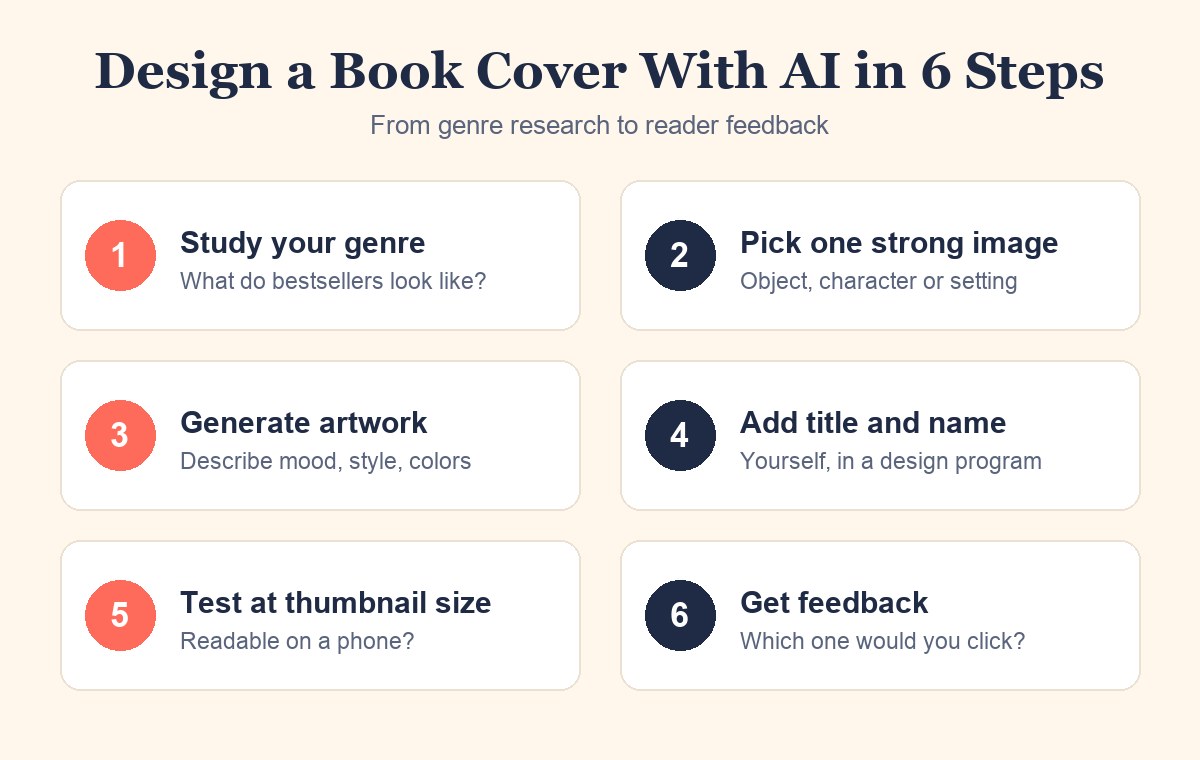
Table of Contents
Step 1: Study Covers in Your Genre
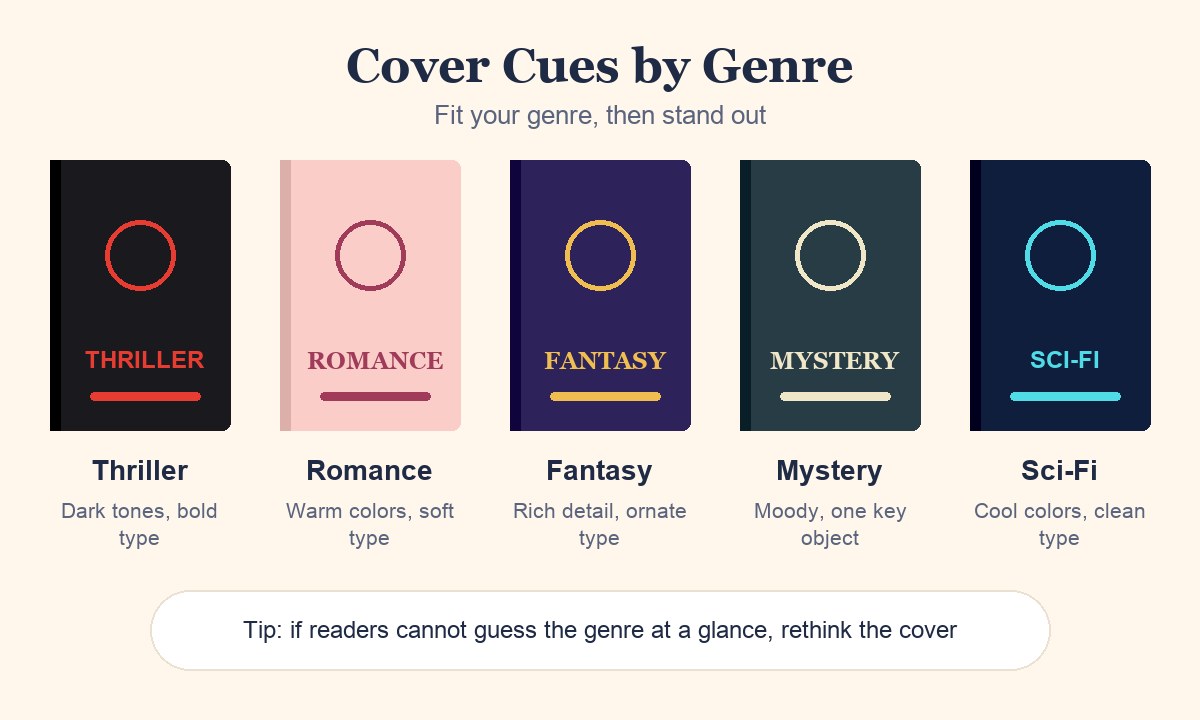
Before you create anything, look at the bestsellers in your genre. Thrillers often use dark colors, bold fonts, and a lone figure. Romance covers lean toward warm colors, couples, or illustrated designs. Fantasy covers often feature rich detail, magical objects, or sweeping landscapes.
Your cover should fit in with its genre while still standing out. If a reader cannot tell your genre at a glance, the cover is not doing its job.
Step 2: Decide on One Strong Image
The best covers usually focus on one clear idea: a key object, a character, a setting, or a symbol from the story. Write down three or four possible concepts. For example, a mystery might use an old key, a foggy street, or a single lit window in a dark house.
Step 3: Generate Artwork With AI
This is where AI shines. Instead of searching through stock photo sites for hours, you can describe the image you want and get many variations to choose from. An AI image tool like ImageRoute can help you turn your cover concept into artwork quickly, so you can explore different styles and moods before settling on one.
Write clear, detailed descriptions. Include:
- The main subject, such as “a lone lighthouse on a cliff.”
- The mood, such as “stormy, mysterious, cold.”
- The style, such as “realistic photo,” “watercolor,” or “digital painting.”
- The colors you want to see.
- Empty space at the top or bottom for your title.
Generate several versions and compare them side by side. Small changes to your description can lead to very different results.
Step 4: Add Your Title and Author Name
AI tools are great for artwork but are usually not reliable for text. Add your title and name yourself in a design program. Choose fonts that match your genre, and make sure the title is easy to read even when the cover is tiny.
Step 5: Test It at Thumbnail Size
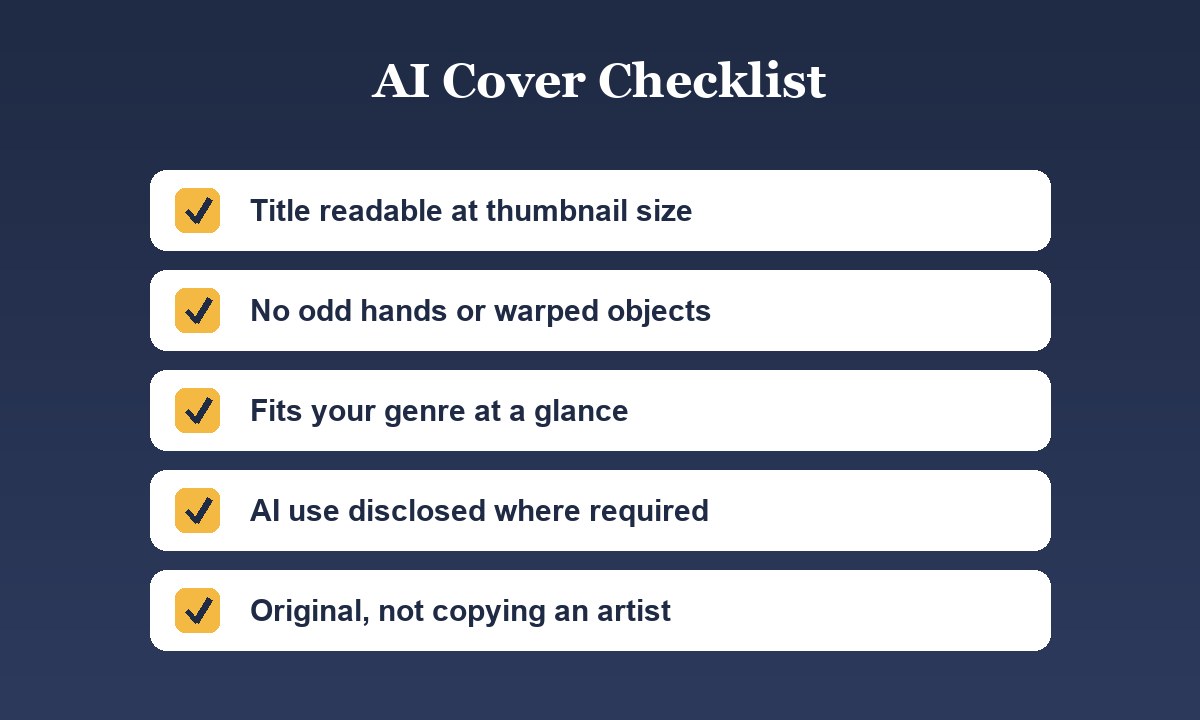
Most readers first see your cover as a small thumbnail on a phone screen. Shrink your design down to the size of a postage stamp and look at it. Can you still read the title? Does the main image still make sense? If not, simplify.
Step 6: Get Feedback Before You Publish
Show two or three versions to readers in your genre, your newsletter subscribers, or a writing group. Ask which one they would click on first, and why. Honest feedback now can save you from a costly redesign later.
Important Things to Know About AI Covers
AI design is still new, so keep a few important points in mind:
- Disclosure rules. Some publishing platforms, including Amazon KDP, ask you to disclose AI-generated content when you publish. Check the current rules for every store you use.
- Copyright. In some countries, purely AI-generated images may not be protected by copyright in the same way as human-made art. Adding your own design work, such as typography and layout, helps make the cover more uniquely yours.
- No copying. Never ask an AI tool to copy a famous artist’s style or another author’s cover. Create something original.
- Check details. AI images sometimes include odd hands, warped objects, or strange backgrounds. Zoom in and fix or regenerate anything that looks off.
Common Mistakes to Avoid
- Too much detail. Busy images become a blur at thumbnail size.
- Wrong genre signals. A cute cartoon cover on a dark thriller sends readers the wrong message.
- Hard to read text. Thin or fancy fonts often disappear on small screens.
- Skipping the print check. Paperbacks need a higher resolution, a spine, and a back cover, so plan for those early.
Final Thoughts
AI will not replace a good eye for design, but it can make cover creation faster, cheaper, and more creative. Study your genre, focus on one strong idea, generate artwork with a tool like ImageRoute, and add clear, readable text yourself. Once your cover is ready, you can use the same artwork in your book trailer and social media posts to give your launch a consistent look.