
Your author website is your home base online. Social media platforms change their rules, bookstores change their layouts, but your website stays yours. It is where readers go when they want to know more about you, where reviewers look for your contact details, and where your newsletter grows over time.
The good news is that an author website does not need dozens of pages. It needs the right ones. Here are the ten pages every author website should have, and what to put on each one.
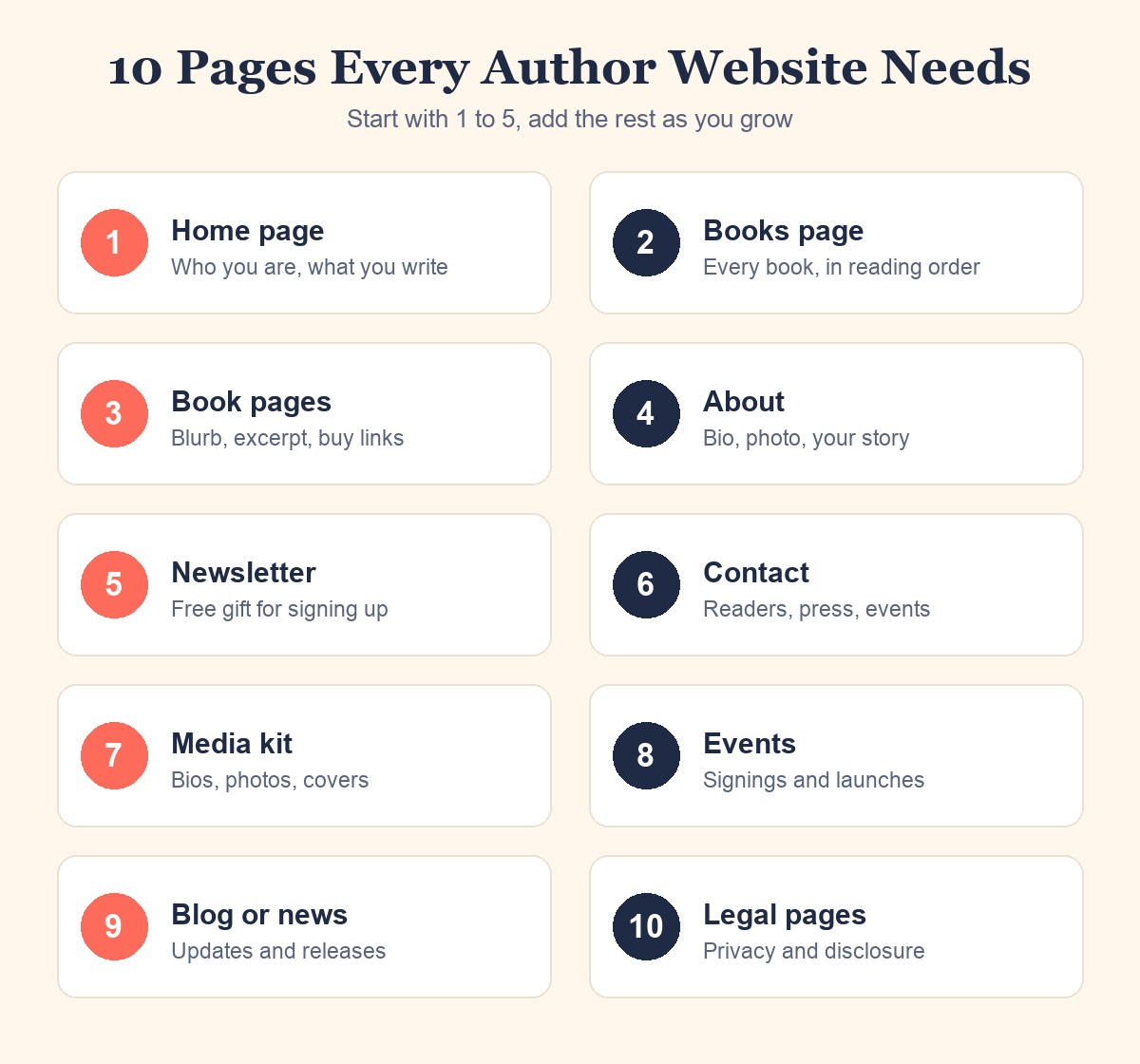
Table of Contents
1. A Clear Home Page
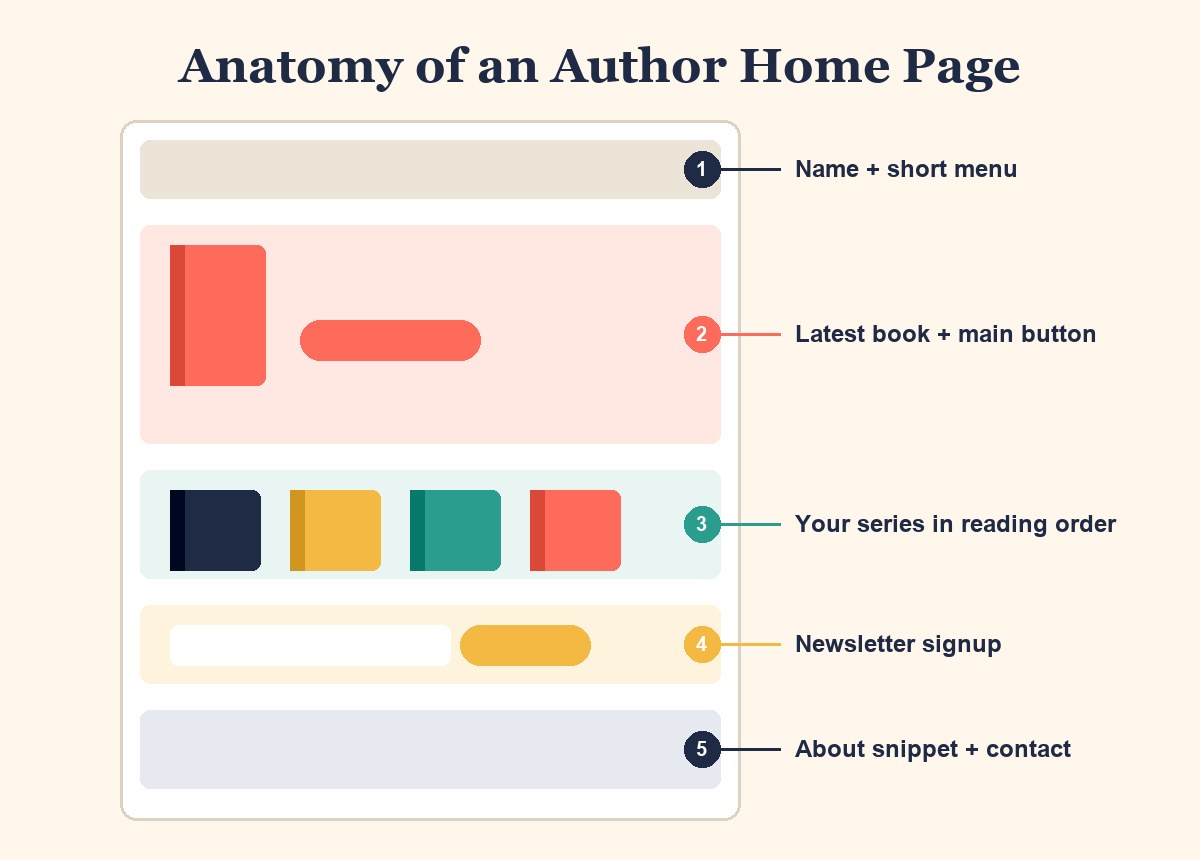
Your home page should answer three questions in a few seconds: who you are, what you write, and what the visitor should do next. Show your latest book cover near the top, add a one line description of your genre, and include a clear button such as “Read the first chapter” or “Join my newsletter.”
2. Books Page
List every book you have published, with its cover, a short blurb, and buy links. If you write series, group the books by series and show the reading order. Readers love knowing exactly where to start.
3. Individual Book Pages
Each book deserves its own page. Include the full blurb, the cover, a few short review quotes, an excerpt, and links to every store where it is sold. If you have a book trailer, embed it here. Our guide on how to make a book trailer for your novel shows you how to create one.
4. About the Author
Readers want to connect with the person behind the books. Share a friendly bio, a good photo, and a few personal details such as where you live, what inspires you, or what you love to read. Write it in the same voice as your books.
5. Newsletter Signup Page
Your email list is the most valuable marketing tool you own. Give it a dedicated page, and offer something in return for signing up, such as a free short story, a bonus chapter, or early access to cover reveals.
6. Contact Page
Make it easy for readers, bloggers, podcasters, and event organizers to reach you. A simple contact form works well. If you have an agent, add their details for rights and business inquiries.
7. Media Kit or Press Page
When someone wants to feature you, they need assets fast. A media kit page should include a short and a long bio, high resolution author photos, book covers, a few sample interview questions, and links to past interviews.
8. Events Page
If you do signings, library visits, festivals, or online launches, list them here. Even if you only have a few events a year, this page shows readers that you are active and approachable.
9. Blog or News Page
A blog is optional, but a news page helps you share updates such as release dates, behind the scenes stories, and reading recommendations. Regular updates also give search engines a reason to visit your site more often.
10. Privacy Policy and Legal Pages
If you collect email addresses or use affiliate links, you need a privacy policy. Add an affiliate disclosure if you earn commissions from book links. These pages build trust and keep you on the right side of the rules.
How to Build These Pages Quickly
Many authors put off building a website because it feels like a technical project. It does not have to be. A tool like PageGPT can help you create clean, professional pages quickly, so you can get your author website live without hiring a developer or learning to code. You can start with the most important pages and add the rest over time.
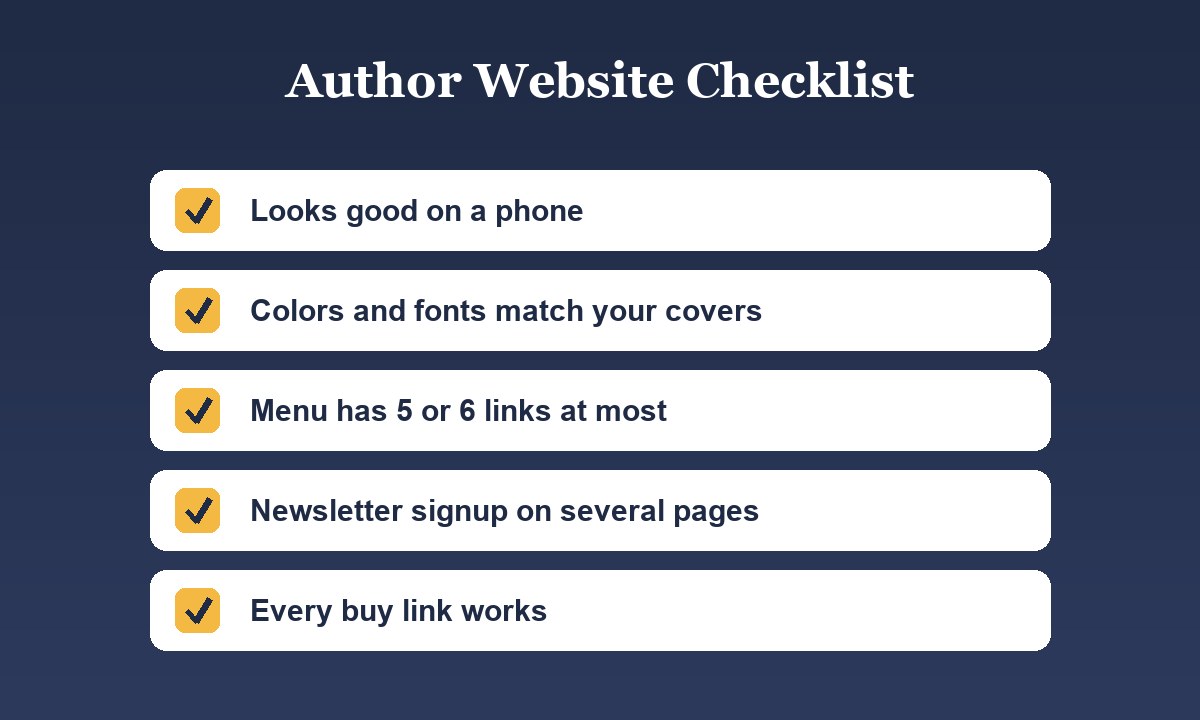
Whatever tool you use, follow these simple rules:
- Make sure every page looks good on a phone.
- Use the same colors and fonts as your book covers.
- Keep the menu short, with five or six links at most.
- Put a newsletter signup on more than one page.
- Check that every buy link works.
Common Author Website Mistakes
- Outdated information. An old “coming soon” banner for a book released two years ago makes your site look abandoned.
- No clear next step. Every page should guide visitors toward buying a book or joining your list.
- Slow pages. Huge images make pages slow. Compress photos before uploading them.
- Hidden contact details. If people cannot reach you, they cannot invite you to events or interviews.
Final Thoughts
An author website does not need to be fancy. It needs to be clear, up to date, and focused on helping readers find your books. Start with a strong home page, a books page, an about page, and a newsletter signup, then add the rest as you grow. With a simple tool like PageGPT, you can have a professional author website ready far sooner than you might think.