
Disclosure: As an Amazon Associate, Bookish Wisdom earns from qualifying purchases. This doesn't change our picks or your price.
Quick answer: You can write a book on Canva by choosing a book, ebook or journal template, setting the page size you need, adding your text and images page by page, and downloading the finished design as a print-ready PDF. Canva works best for short, highly visual books such as picture books, workbooks, cookbooks and lead-magnet ebooks; long novels are easier to write in a word processor first.
Table of Contents
Key Facts
| Item | Detail |
|---|---|
| Best for | Picture books, workbooks, short ebooks, journals |
| Templates | Book covers, ebooks, journals and more |
| Export format | PDF Print or PDF Standard |
| Free option | Many templates and elements are free |
| Not ideal for | Long text-heavy novels |
How to Create a Book in Canva
1. Choose the right size
Start a custom design that matches your planned trim size, such as 8.5 by 8.5 inches for a picture book, and check your printer's requirements.
2. Pick a template
On Canva, browse book, ebook and journal templates for layouts and fonts that suit your project.
3. Add your text
Paste text into text boxes, keeping fonts readable and consistent.
4. Add images
Upload your own illustrations or photos, or use licensed Canva elements.
5. Set margins and bleed
Turn on margins and bleed in the file settings so nothing important is cut off when printed.
6. Export and publish
Download as PDF Print for printing services or PDF Standard for ebooks, and design your cover separately.
Common Canva Book Mistakes
- Using the wrong page size. Set dimensions first.
- Ignoring bleed. Images may be cut off.
- Too many fonts. Stick to two or three.
- Low-resolution images. Use high-quality files.
- Ignoring licensing. Check rules for using Canva elements commercially.
Building a Writing Habit That Lasts
Most books are finished by people who write regularly, not by people who wait for inspiration. Pick a time you can protect, even if it is only twenty minutes, and treat it like an appointment. Keep a running document of ideas so you never start from a blank page. Set a small, measurable goal, such as three hundred words a session, and track it. When you get stuck, skip ahead to a scene or section you are excited about and come back later. Finally, separate drafting from editing: write the rough version first, and fix it afterward, because trying to do both at once slows most writers down.
It also helps to know who the book is for. Write a one-sentence description of your reader and keep it beside your desk. Every time you are unsure about a scene, a word or a chapter, ask whether it serves that reader. This simple check keeps a draft focused and makes later editing much easier.
Finally, ask for feedback early. A trusted reader, writing group or teacher can spot problems you are too close to see, and fixing them in an early draft is much easier than in a finished one.
Keep every draft. Saving old versions lets you experiment freely, because you can always go back if a change does not work.
Most importantly, enjoy the process. Writing a book is a long project, and the writers who finish are usually the ones who find something to love in the daily work.
Reading widely in the form you are writing is one of the best teachers. Notice how other writers open, structure and end their work, and borrow techniques that suit your own voice.
Set a realistic deadline for each stage, such as finishing the draft, completing revisions and getting feedback. Deadlines turn a large, vague goal into a series of manageable steps, and they make it easier to notice when you need to adjust your plan.
Finally, protect your work. Back up every draft in at least two places, such as a cloud folder and an external drive, and keep a simple log of what you changed in each version. If anything goes wrong, you will lose a few minutes rather than months of writing.
Helpful Books and Resources
-
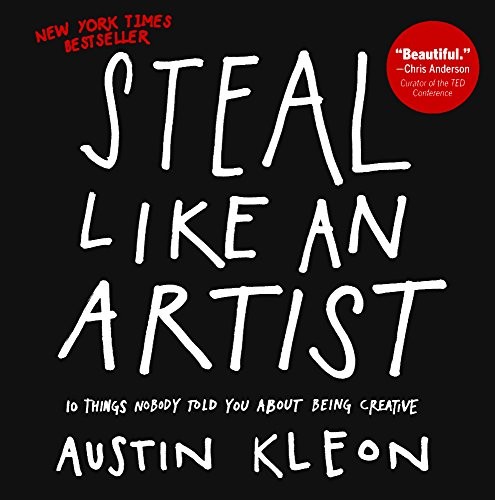
Steal Like an Artist by Austin Kleon
- The Business of Being a Writer by Jane Friedman
-
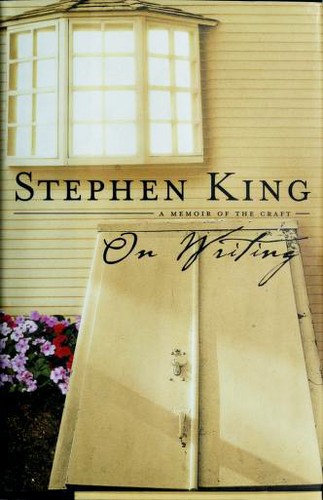
On Writing by Stephen King
Related: Steal Like an Artist by Austin Kleon: Summary and Key Takeaways · On Writing by Stephen King: Summary and Key Takeaways
Frequently Asked Questions
Can I write a whole book on Canva?
Yes, though it is best for short, visual books.
Is Canva free for books?
Many features are free, with paid extras.
What size should my book be?
Match your printer or platform's trim size.
Can I publish a Canva book on Amazon KDP?
Yes, using a correctly sized PDF.
Can I make a book cover on Canva?
Yes, many authors do.
What is bleed?
Extra space beyond the trim edge so images print to the edge.
Can I use Canva images commercially?
Check Canva's license terms.
Should I write my novel in Canva?
Write it in a word processor first.
Can I make ebooks on Canva?
Yes, and export as PDF.
How many pages can a Canva design have?
Enough for most short books.
Can I collaborate with others?
Yes, Canva supports sharing.
What fonts work best?
Clear, readable fonts.
Can I add page numbers?
Yes, with text boxes or page number features.
What other tools help?
Atticus and Vellum format longer books.
Can I print directly from Canva?
Canva offers printing for some products, but most authors upload PDFs to print-on-demand services.