
Disclosure: As an Amazon Associate, Bookish Wisdom earns from qualifying purchases. This doesn't change our picks or your price.
Quick answer: You can write a book on your phone by using a notes or word-processing app that syncs to the cloud, such as Google Docs, Microsoft Word or Apple Notes, writing in short bursts during spare moments, and moving the draft to a computer later for heavy editing and formatting. Voice typing can speed things up, and a cheap Bluetooth keyboard makes longer sessions easier.
Table of Contents
Key Facts
| Item | Detail |
|---|---|
| Best apps | Google Docs, Microsoft Word, Apple Notes |
| Key feature | Cloud syncing |
| Speed tip | Voice typing |
| Helpful accessory | Bluetooth keyboard |
| Best use | Drafting in short bursts |
How to Write a Book on Your Phone
1. Choose a syncing app
Use an app that saves to the cloud so your work appears on your computer too. Google Docs and Word both work well.
2. Write in short sessions
Use waiting rooms, commutes and lunch breaks to write a paragraph or two. Small sessions add up fast.
3. Use voice typing
Speaking your draft can be faster than typing on a small screen. Clean up the text later.
4. Keep notes organized
Create separate documents for chapters, ideas and research so files do not become messy.
5. Turn off distractions
Silence notifications while writing to stay focused.
6. Edit on a bigger screen
Move to a computer or tablet for major revisions, formatting and final checks.
Mistakes When Writing on a Phone
- Not syncing. Always save to the cloud.
- Writing one giant file. Split chapters for easier navigation.
- Editing heavily on the phone. Save serious editing for a bigger screen.
- Ignoring eye strain. Take breaks and use dark mode if it helps.
- Letting notifications interrupt. Use focus mode.
Building a Writing Habit That Lasts
Most books are finished by people who write regularly, not by people who wait for inspiration. Pick a time you can protect, even if it is only twenty minutes, and treat it like an appointment. Keep a running document of ideas so you never start from a blank page. Set a small, measurable goal, such as three hundred words a session, and track it. When you get stuck, skip ahead to a scene or section you are excited about and come back later. Finally, separate drafting from editing: write the rough version first, and fix it afterward, because trying to do both at once slows most writers down.
It also helps to know who the book is for. Write a one-sentence description of your reader and keep it beside your desk. Every time you are unsure about a scene, a word or a chapter, ask whether it serves that reader. This simple check keeps a draft focused and makes later editing much easier.
Finally, ask for feedback early. A trusted reader, writing group or teacher can spot problems you are too close to see, and fixing them in an early draft is much easier than in a finished one.
Keep every draft. Saving old versions lets you experiment freely, because you can always go back if a change does not work.
Most importantly, enjoy the process. Writing a book is a long project, and the writers who finish are usually the ones who find something to love in the daily work.
Reading widely in the form you are writing is one of the best teachers. Notice how other writers open, structure and end their work, and borrow techniques that suit your own voice.
Helpful Books and Resources
-
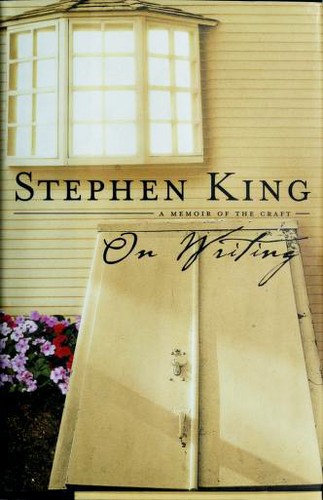
On Writing by Stephen King
-
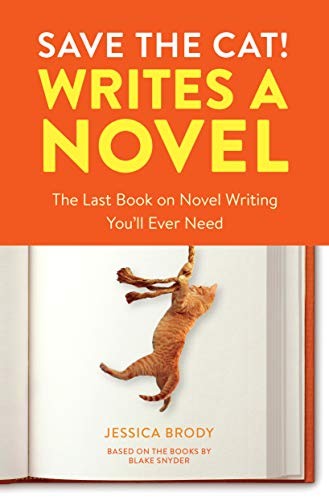
Save the Cat! Writes a Novel by Jessica Brody
-
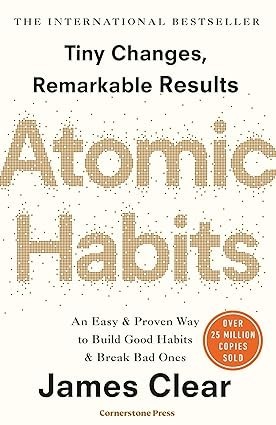
Atomic Habits by James Clear
Related: On Writing by Stephen King: Summary and Key Takeaways · Atomic Habits by James Clear: Summary and Key Takeaways
Frequently Asked Questions
Can you write a whole book on a phone?
Yes. Many writers draft entire books on phones.
What is the best app for writing on a phone?
Google Docs or Microsoft Word.
Is voice typing accurate?
It is good enough for drafts, which you can edit later.
Should I buy a keyboard?
A Bluetooth keyboard helps for longer sessions.
How do I avoid losing work?
Use cloud syncing and back up regularly.
Can I format a book on a phone?
It is easier on a computer.
How many words can I write a day on a phone?
Many people manage several hundred words in short bursts.
Is writing on a phone bad for focus?
Turn off notifications to stay focused.
Which phone is best for writing?
Any modern phone works. Comfort with the keyboard matters more than the model.
Can I write offline?
Yes. Turn on offline mode in your app so changes sync later.